
If you have come from a windows background you may be curious about the world of SQL Server Linux. Yes, the operating system and the implementation of it differs to the traditional Windows environment but once installed, it’s just good old SQL server and those lovely DBCC commands and backup statements work, all your DMVs are ready for you too.
You can use the following Linux distributions.
• Red Hat Enterprise Linux (RHEL) 7.3 and 7.4
• SUSE Linux Enterprise Server (SLES) v12SP2
• Ubuntu 16.04LTS
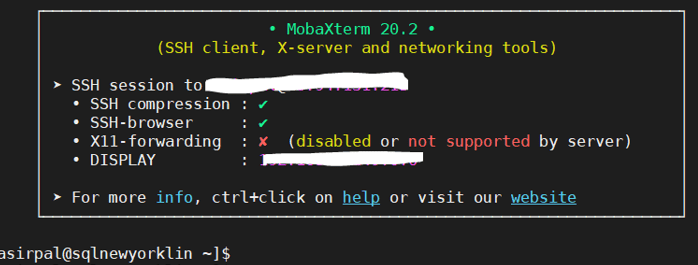
First step is installation. I use MobaXterm to connect to the server. For this example I grab SQL server 2017 from Microsoft for Red Hat.
sudo curl -o /etc/yum.repos.d/mssql-server.repo https://
packages.microsoft.com/config/rhel/7/mssql-server-2017.repo
Run a command to do the install and complete the setup process.
sudo yum install -y mssql-server
sudo /opt/mssql/bin/mssql-conf setup
I then login to as sa account.
Lets check the status:
sudo systemctl status mssql-server
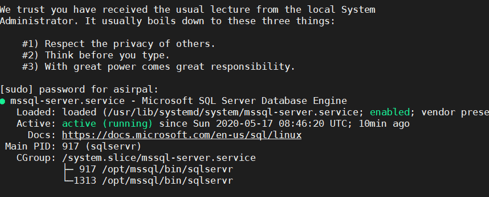
There are 2 SQL processes? Why? First process is the parent watching the child, the second is the actual SQLSERVR process running all the SQL Server engine code. You will always see two SQLSERVR processes on Linux.
Lets use the famous GREP sqlservr (note NO E in the servr)
ps axjf | grep sqlservr

 All About Tech
Pingback: SQL server Linux and SQLCMD | All About Data